 Odarius
Tutorials
See how Odarius works
Training videos for the people who run a restaurant on Odarius — the till, the kitchen display, Teams for managers, tips and more. Free to watch, no account needed. Every video has chapters, so you can jump straight to the part you need.
18 videos · 154 minutes of training
Getting started 6
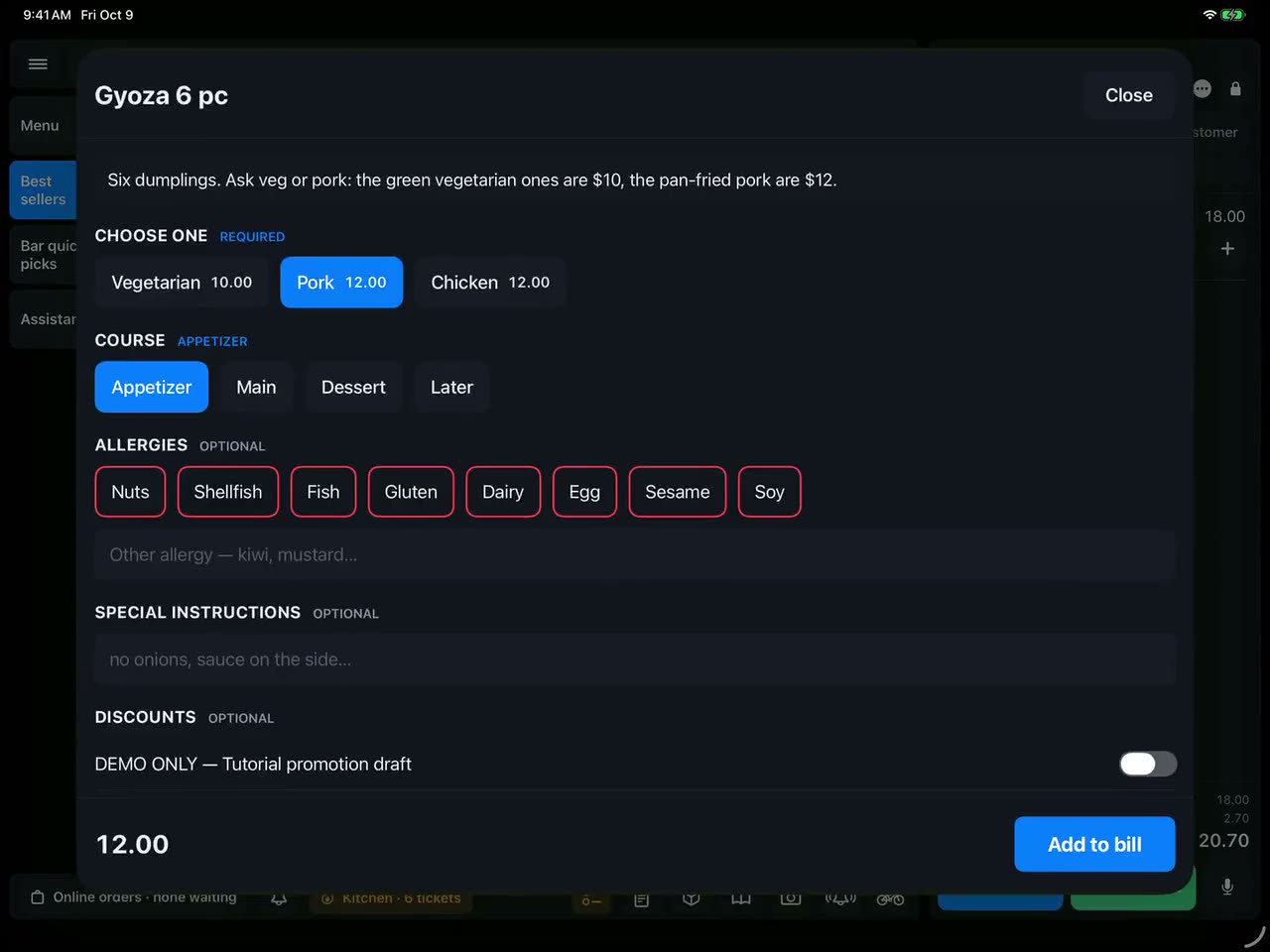 20 min Welcome to Odarius: a real restaurant's staff onboarding (Aziana) 20 min · 10 chapters · For staff The onboarding video recorded for the team at Aziana, a real restaurant in Sint Maarten that runs on Odarius — shared as it is, so you can see how a restaurant introduces the system to its own staff. It covers your own PIN and the lock screen, closing out and tips, taking an order with quick boards and specials, voice ordering, the kitchen display, online orders from both sides, prep, stock and requests, and what managers see in Teams, Books and the AI helpers.
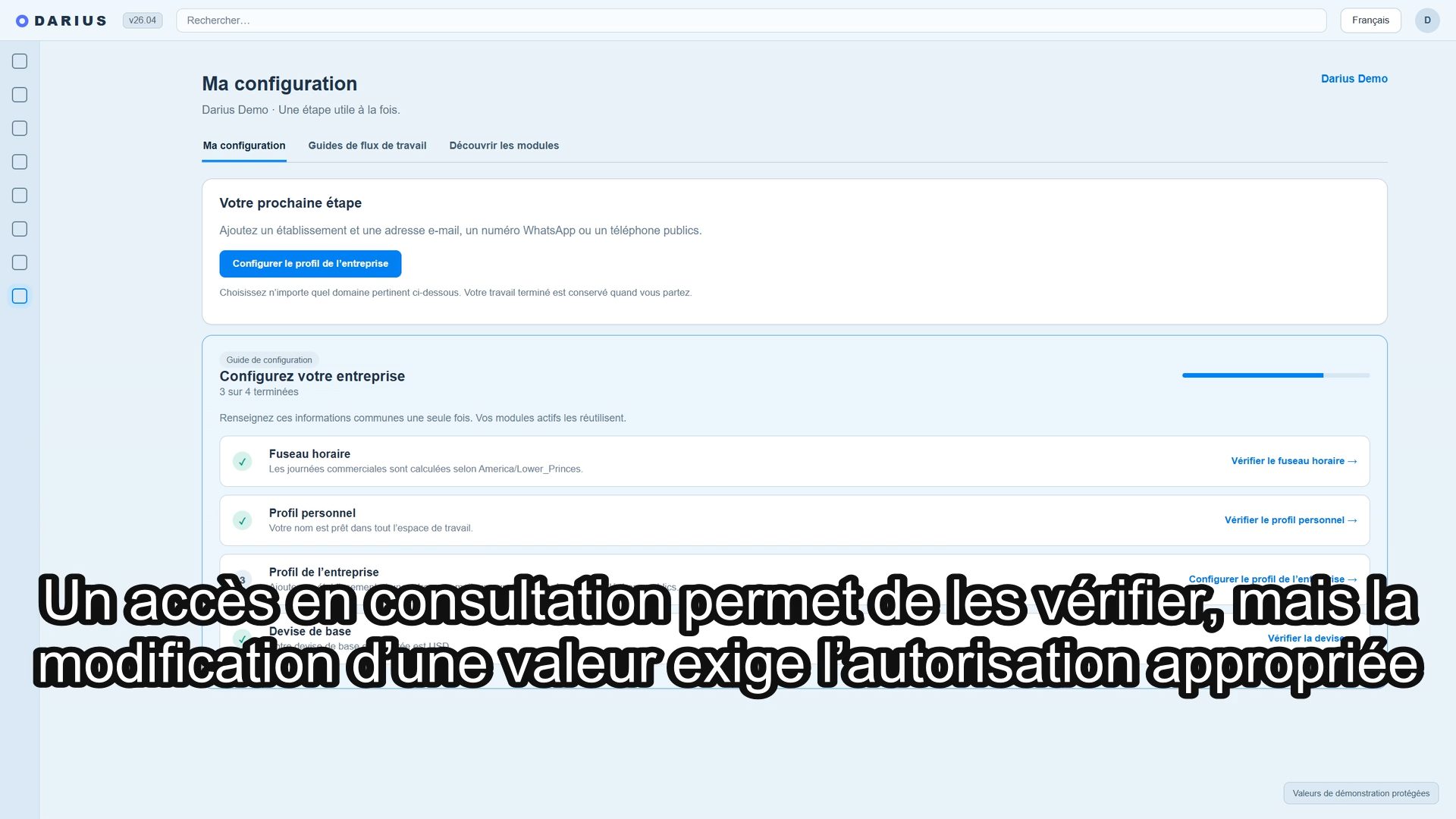 5 min Base commune de Darius — Français 5 min · 6 chapters · For everyone Découvrez les réglages communs de Darius : fuseau horaire du restaurant, profils personnel et entreprise, contact public et devises du tiroir-caisse. La leçon examine un espace de démonstration sans enregistrer de modification.
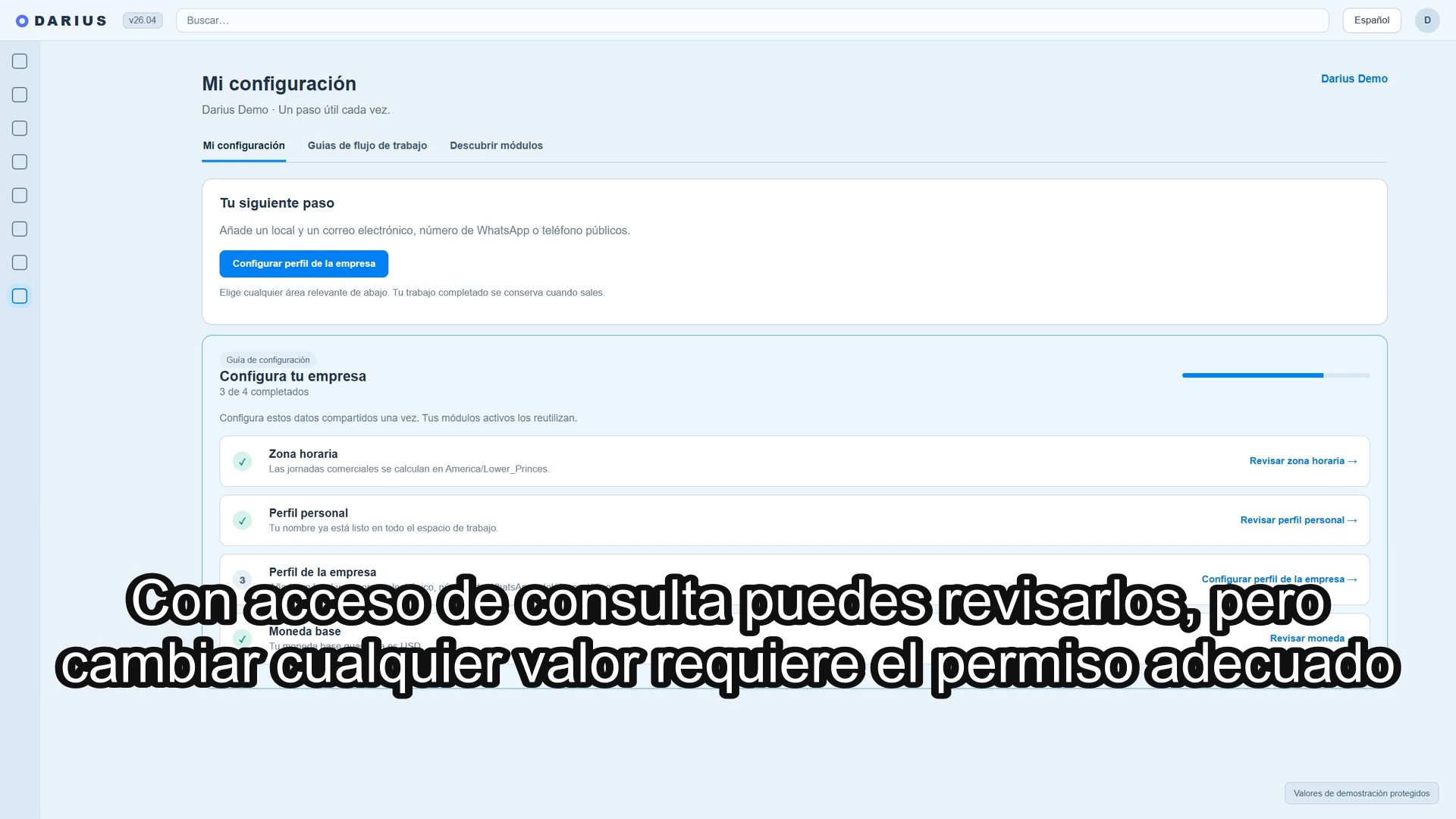 5 min Base compartida de Darius — Español 5 min · 6 chapters · For everyone Conoce los ajustes compartidos de Darius: zona horaria del restaurante, perfil personal y de empresa, contacto público y monedas del cajón. La lección examina un espacio de demostración sin guardar cambios.
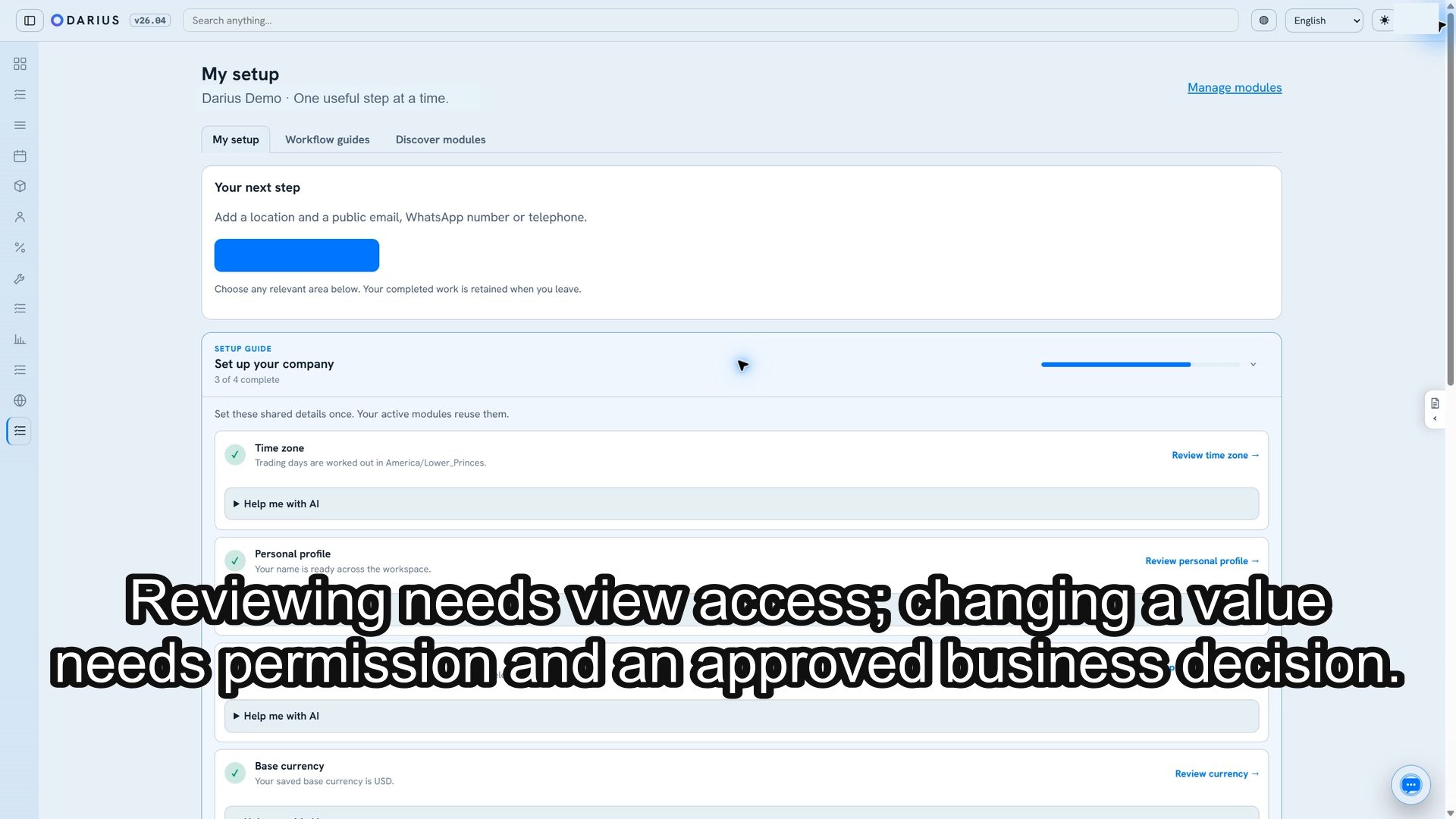 5 min Darius shared foundation — English 5 min · 6 chapters · For everyone Learn the shared settings used across Darius: restaurant time zone, personal and company profiles, public contact, and till currencies. This lesson inspects the demo workspace without saving changes.
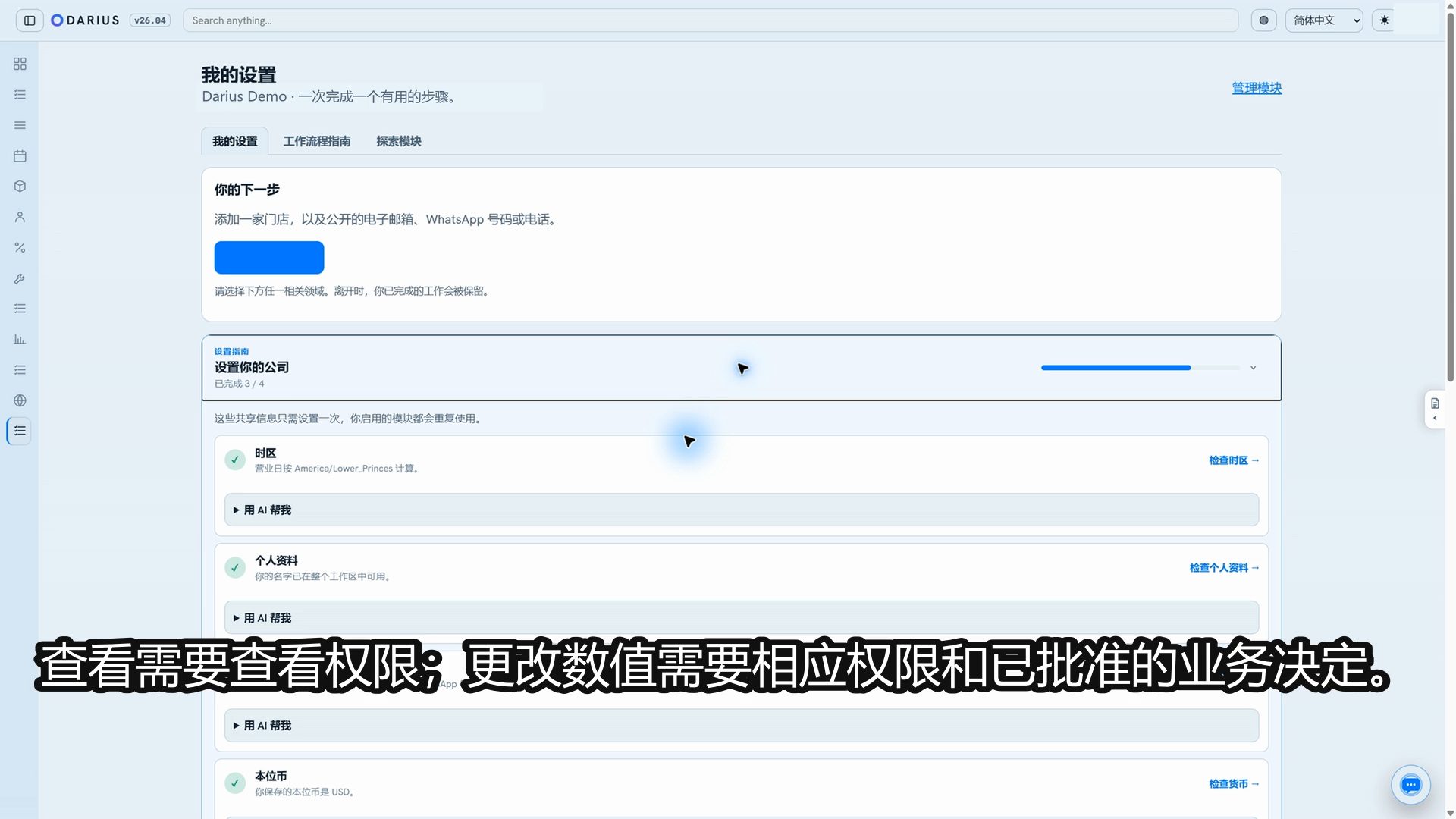 6 min Darius 共享基础设置 — 粤语讲解(简体中文界面) 6 min · 6 chapters · For everyone 以粤语讲解 Darius 的共享设置,包括餐厅时区、个人与公司资料、公开联系方式,以及收银抽屉货币。影片仅查看示范工作区,不保存更改。
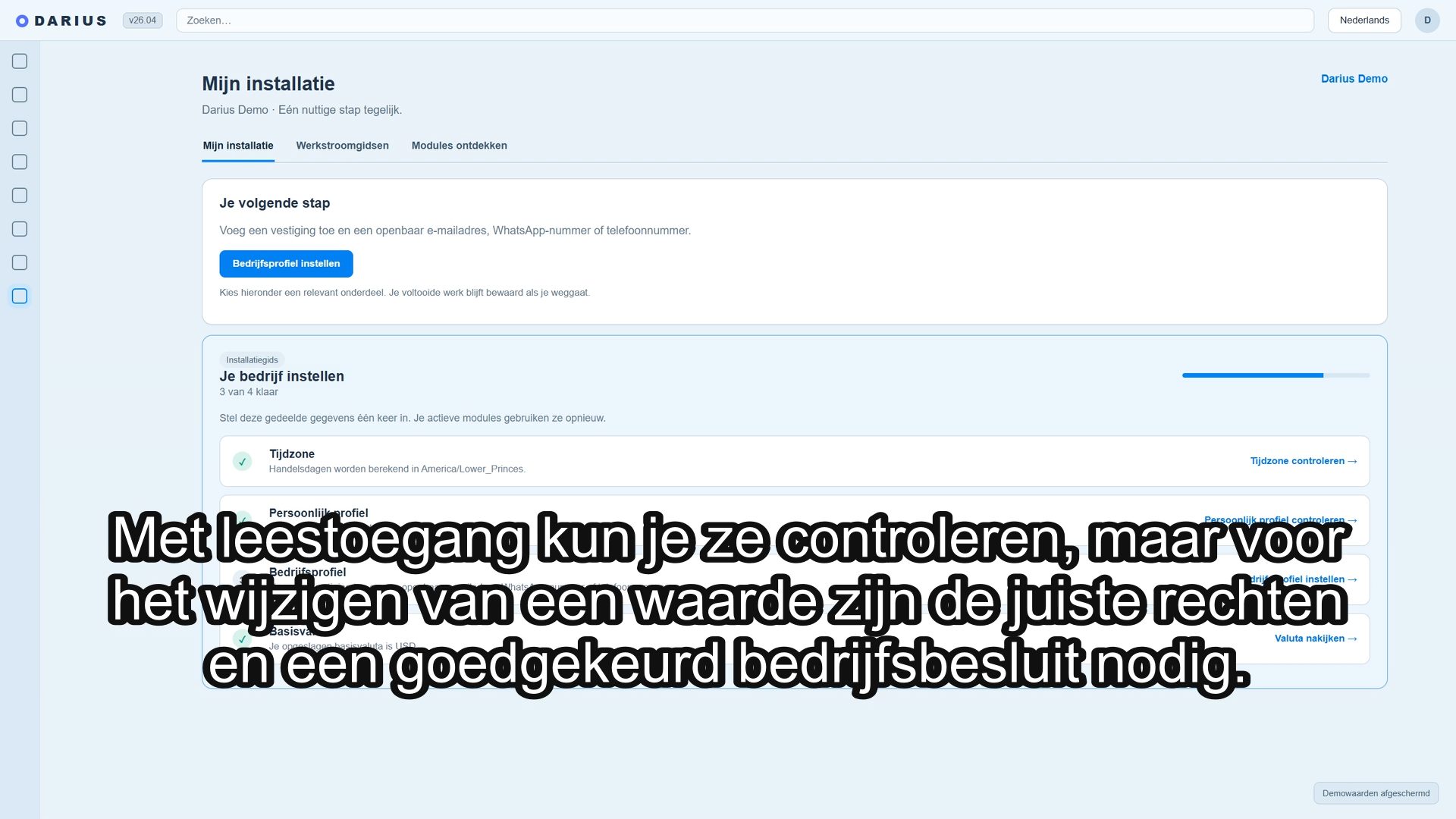 5 min Gedeelde basis van Darius — Nederlands 5 min · 6 chapters · For everyone Leer de gedeelde instellingen van Darius kennen: tijdzone van het restaurant, persoonlijk en bedrijfsprofiel, openbaar contact en valuta van de kassalade. Deze les bekijkt een demo-werkruimte zonder wijzigingen op te slaan.